
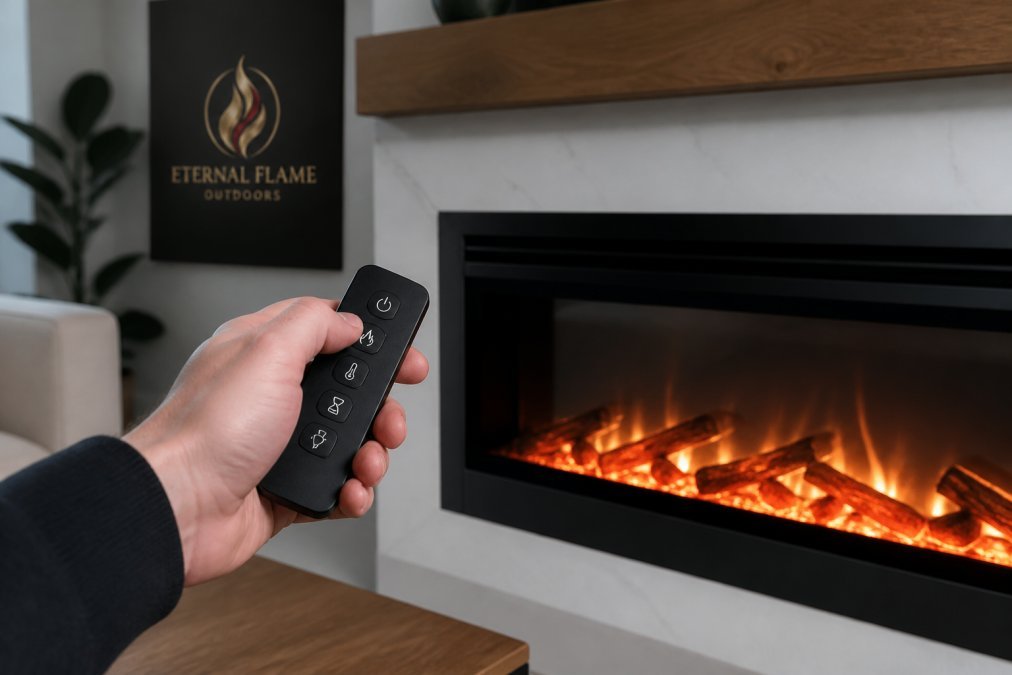
Dimplex Electric Fireplace Remote: Replace, Pair & Troubleshoot
Table of Contents
- Why Your Dimplex Electric Fireplace Remote Stops Working
- How to Troubleshoot a Dimplex Electric Fireplace Remote
- Dimplex Fireplace Remote Replacement: Finding the Right Model
- Pairing a New Remote to Your Dimplex Fireplace
- Battery Replacement and Transmitter Care
- Universal Remotes and Discontinued Dimplex Models
- Frequently Asked Questions
Last Updated: September 19, 2026
Why Your Dimplex Electric Fireplace Remote Stops Working
A dimplex electric fireplace remote is a battery-powered transmitter that sends an infrared signal to a receiver module inside the firebox. When that signal chain breaks, the fireplace stops responding. Dead remotes are one of the most common service questions, and most failures trace back to four predictable points, three of which cost nothing to fix.
The Four Most Common Failure Points
Dead or corroded batteries. The transmitter and receiver draw from separate batteries, and owners often replace only one. A weak cell in either location breaks the link.
How to Troubleshoot a Dimplex Electric Fireplace Remote
Work through the checklist below in order. Most connectivity issues resolve within the first three steps, saving you from buying parts you do not need.
Step-by-Step Diagnostic Checklist
- Replace the transmitter battery. Match the voltage printed inside the battery compartment, and never substitute a different voltage to make a cell fit.
- Replace the receiver batteries. The receiver module sits behind or beneath the firebox and typically uses AA cells. Check for white corrosion on the contacts while you are in there.
- Clear the infrared sensor. Wipe the sensor window with a dry, lint-free cloth and remove anything within a few feet of the line of sight.
- Confirm the receiver switch position. Many Dimplex receivers carry an ON / REMOTE / OFF selector. If it sits on ON or OFF, the remote will appear dead no matter what you press.
- Test at close range. Stand directly in front of the fireplace and press the power button. If it works up close but not across the room, the batteries are fading.
- Reinitialize the pairing. Follow the pairing process in your user manual to resynchronize the transmitter and receiver.
- Check the outlet and breaker. A fireplace with no power at all will not respond to any remote command.
When to Reset the Receiver Module
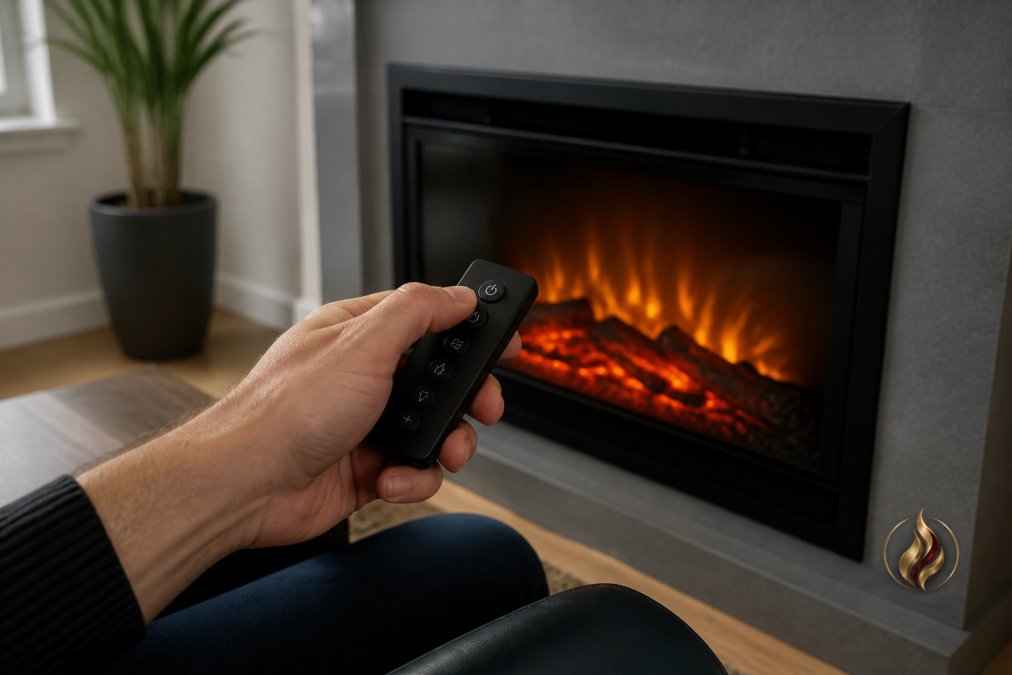
Reset the receiver when the fireplace responds to manual controls but ignores every remote command, that pattern points to a synchronization fault, not a power or sensor problem. Unplug the unit or cut the breaker for a full minute, restore power, then run the pairing sequence again. If the receiver still ignores a known-good remote, the module itself has likely failed and needs replacement.
Dimplex Fireplace Remote Replacement: Finding the Right Model
Dimplex fireplace remote replacement starts with one number: your model number. Dimplex has produced dozens of firebox families, and transmitters are not interchangeable across most of them. Buying by appearance alone is the most common mistake we see.
How to Locate Your Model Number
Look in three places, in this order:
- The rating plate. A silver or white label usually mounted behind the glass, on the inner frame, or on the back panel. It carries the model number, serial number, and often the manufacture date.
- The owner's manual. The cover or specifications page lists the exact model and serial number. If the manual is gone, most manufacturers host archived PDFs by model series.
- The original packaging or receipt. Useful if the label has faded, though it will not reflect any service replacement parts installed since.
Reading the Model Number Correctly
A Dimplex model number is a string that usually encodes the firebox family, insert size, and control generation. Two units that look identical on the showroom floor can sit in different control generations, and a remote that pairs with one will not pair with the other. Copy the entire string, including any suffix after a hyphen or slash, truncating it is the second most common ordering error we see.
Matching the Remote to the Firebox
Once you have the full model number, work through this sequence:
- Identify the firebox family. Common Dimplex families include the BF, DF, and BLF series, among others. Each uses its own receiver architecture.
- Identify the control generation. Within a family, later production runs sometimes moved to a different receiver board. The manufacture date on the rating plate helps narrow this down.
- Find the remote part number. Replacement remotes are sold by part number, not by firebox model alone. The part number is printed on the back of the original remote, inside the battery compartment, or on the receiver module itself.
- Cross-check against compatibility documentation. A transmitter built for one firebox generation will not drive the receiver in another, even when the housing and button layout are identical.
What to Have Ready Before You Order
Before you contact a dealer or place an order, gather these four items to shorten the process and reduce the chance of a return:
- The full model number from the rating plate
- The manufacture date
- The remote part number, if the original remote is still on hand
- A photo of the receiver module, including any visible part or revision numbers
When the Model Number Is Unreadable
Labels fade, and fireboxes get repainted or relocated. If the rating plate is gone, the receiver module is your next best source, it usually carries a part number that maps back to a firebox family. Failing that, a photo of the firebox interior, receiver, and original remote sent to a dealer who stocks Dimplex parts is often enough to identify the unit.
Pairing a New Remote to Your Dimplex Fireplace
Pairing teaches the receiver to accept commands from one specific transmitter. The exact sequence varies by model, so treat the steps below as a general pattern and confirm details in your unit's documentation.
- Power the fireplace down completely and wait at least 30 seconds.
- Restore power and locate the receiver's learn or pairing button, usually a small recessed switch on the receiver module.
- Press and hold the pairing button until the LED indicator begins to flash.
- Within a few seconds, press the power button on the new remote.
- Watch for the LED to hold steady or blink twice, which confirms the device pairing succeeded.
- Test every function: power, flame intensity, heater settings, and thermostat control where available.
Battery Replacement and Transmitter Care
Battery problems cause more "broken" remotes than any electronic fault. Two habits prevent most of them.
Real Fyre Basc On/Off Remote for Fyre →
- Store the transmitter away from direct sun and heat, which degrade the internal components over time.
- Keep liquids away from the housing. Moisture reaches the control board through the button gaps.
- Wipe the infrared window on both the remote and the fireplace sensor monthly during heating season.
Universal Remotes and Discontinued Dimplex Models
This is where owners of older fireboxes get stuck. Two questions come up constantly: will a universal remote work, and what do you do when the OEM remote is no longer manufactured?
Will a Universal Remote Work With a Dimplex Fireplace?
Sometimes, but the conditions are narrower than most listings suggest. A universal remote can operate a Dimplex fireplace only when all three of these are true:
- It explicitly lists your firebox model or family as compatible. "Works with electric fireplaces" is not the same as "works with your model." The listing must name it.
- It supports the same command set. At minimum, that means power, flame intensity, and heat control. Thermostat and multi-stage heat commands are frequently missing on universal units.
- It transmits on the frequency your receiver expects. Infrared universal remotes rely on a learnable code library. If your receiver's code is not in that library, no amount of programming will make it work.
How Universal Remotes Actually Learn Codes
Most universal remotes work one of two ways:
- Code library lookup. You enter a code from a printed or on-screen list that corresponds to your device brand and model. If your model is not in the library, this path is closed.
- Learning mode. The universal remote reads the signal from your original working remote and copies it. This only helps if the original remote still functions, which defeats the purpose when the original is dead.
That second point is the trap most buyers fall into: learning mode is useless when the remote you are replacing no longer transmits.
What to Do When Your Dimplex Remote Is Discontinued
When Dimplex retires a firebox line, OEM parts eventually dry up. Owners are left choosing between four paths, and the right one depends on what still works:
| Situation | Best Path | What to Expect |
|---|---|---|
| Remote lost, model still supported | Order the OEM replacement by part number | Direct fit, full function set |
| Remote failed, model discontinued, receiver still good | Universal remote with verified compatibility | On/off control, limited functions |
| Receiver also failed | Replace the receiver and remote as a matched set, if available | Restores full control |
| Parts unavailable entirely | Consider a current firebox | New warranty and current control features |
Before You Give Up on the Original Remote
Discontinued does not always mean unavailable. Check three sources before concluding the part is gone:
- Authorized dealers who stock legacy parts. Dealers sometimes hold inventory that never appears in a general search.
- The receiver module itself. If the receiver is still functional, a compatible remote from a related model in the same family may pair with it. This requires verification, not guesswork.
- Manufacturer parts support. Even retired lines sometimes have a documented replacement path. Ask before assuming.
When Replacing the Firebox Makes More Sense
If your Dimplex firebox has reached the end of its parts support, chasing scarce components can cost more over the next few years than moving to a current unit. Modern electric fireplaces ship with multi-function handheld remotes, and many add app and voice control. Modern Flames models such as the Spectrum Slimline include a multi-function remote with independent flame and ember controls, and the Orion Traditional adds app and voice control alongside its handheld transmitter.


Frequently Asked Questions
How do I pair a new remote to my Dimplex electric fireplace?
Pairing typically starts with putting the fireplace in learn mode, which usually means holding the power button on the receiver or firebox until an LED indicator blinks. Then press the power button on the new transmitter within a few seconds. The Dimplex 3-Stage Remote Control Kit for BF fireboxes requires initialization and programming for proper setup. Exact pairing steps vary by model, so always follow your fireplace's user manual.
What should I do if my Dimplex fireplace remote stops responding?
Start with fresh batteries in both the transmitter and receiver. Check that nothing blocks the infrared signal path and that you're within the remote's operational range. If the remote still doesn't respond, try resetting the receiver module by unplugging the fireplace for 60 seconds, then powering it back on. If those steps fail, the issue may be a failed transmitter or control board, and a replacement remote is the next step.
Are universal remotes compatible with Dimplex electric fireplaces?
Some universal remotes claim compatibility with electric fireplaces, but Dimplex models use specific transmitter frequencies and receiver modules. A universal remote may control basic on/off functions on some models, but advanced features like flame intensity, thermostat control, and ember bed colors often won't work. For full functionality, an OEM replacement remote matching your exact model number is the safer choice.
Where can I find the model number on my Dimplex fireplace to ensure remote compatibility?
The model number is usually on a rating plate or label located behind the glass panel, on the back of the firebox, or inside the battery compartment of the existing remote. You may also find it in your owner's manual or on the original packaging. Having the exact model number before ordering a replacement ensures the transmitter and receiver will pair correctly.
Can I operate my Dimplex fireplace without the remote?
Yes. Most Dimplex electric fireplaces have manual controls on the firebox itself, typically a power button and heat settings on the unit. You can also use the receiver's ON/REMOTE/OFF switch if your model has one. The fireplace will operate normally without the remote; you'll just lose the convenience of adjusting flame intensity, thermostat, and other settings from across the room.

Leave a comment
This site is protected by hCaptcha and the hCaptcha Privacy Policy and Terms of Service apply.